Your Wi-Fi 6/7 works fine in the living room, but barely reaches the upstairs bedroom. Your security cameras lose connection, movies keep buffering, and video calls freeze when you need them most.
Restarting the router becomes part of your routine, but the same problems keep coming back. The real problem often lies in how your network is set up and maintained.
Good network setup and maintenance help you identify root causes, resolve recurring problems, and keep your network running reliably, rather than constantly troubleshooting it.
In this guide, you’ll learn what causes these everyday network problems, how to fix them, and what a well-planned network should actually look like.
Why Your Wi-Fi 6/7 Feels Slow Even With a Fast Internet Plan
Paying for faster internet won’t solve every connection problem.
Your internet plan determines how much speed comes into your home. Your network determines how well that speed reaches the devices you use every day.
If the network struggles to distribute that connection, even the fastest internet plan can feel slow.
Here are several everyday issues that can affect your network’s performance:
- Poor router placement, where walls, floors, or long distances weaken the signal.
- Too many connected devices are competing for the same Wi-Fi 6/7 connection.
- Thick walls or building materials that block wireless signals.
- No wired connections for devices that need a stable connection, such as smart TVs, home office computers, or security cameras.
Before upgrading your internet plan, make sure your network is using that speed effectively. Better router placement, fewer wireless bottlenecks, and wired connections for high-demand devices often improve performance.
Also Read:
The One Placement Mistake That Ruins Every Movie Night
What Are the Trends in Video Surveillance Technology in 2026?
Why These Problems Keep Coming Back Even After You Fix Them
If you have already restarted the router, moved it to a better spot, or even upgraded your internet plan, the problems coming back are not a coincidence. Many network issues return because the original setup was never designed for the way the home is actually used today.
A setup that handled things fine a few years ago may now be running multiple smart TVs, security cameras, laptops, gaming consoles, video doorbells, and a handful of other connected devices that were not there at the start.
Every device added to the network increases the demand on it, and most home networks in the Colorado Springs area were never planned with that kind of growth in mind.
Router placement, wireless coverage, and network cabling installations all work together to deliver consistent performance throughout the home, which is why experienced installers look at the entire network rather than swapping out one piece of equipment at a time.
Network design and installation matter just as much as the internet speed coming through the door. Every installation starts with understanding how the home is laid out and how the network is actually being used, so the same problems do not keep returning six months later.
How to Spot and Fix Common Home Network Issues
Most network problems start as small inconveniences that are easy to ignore: a slow connection in one room, a camera that disconnects once in a while, or a movie that buffers every few days. Over time, those small issues become part of your routine.
Once you know what to look for, it’s much easier to tell whether the problem is a weak signal, an overloaded network, or a setup that needs attention.
Slow Wi-Fi 6/7 in Certain Rooms
If your Wi-Fi 6/7 works well in one room but slows down in another, the problem usually isn’t your internet speed. It’s the signal struggling to reach that part of your home. Thick walls, multiple floors, and the distance between your router and the device can all weaken the connection.
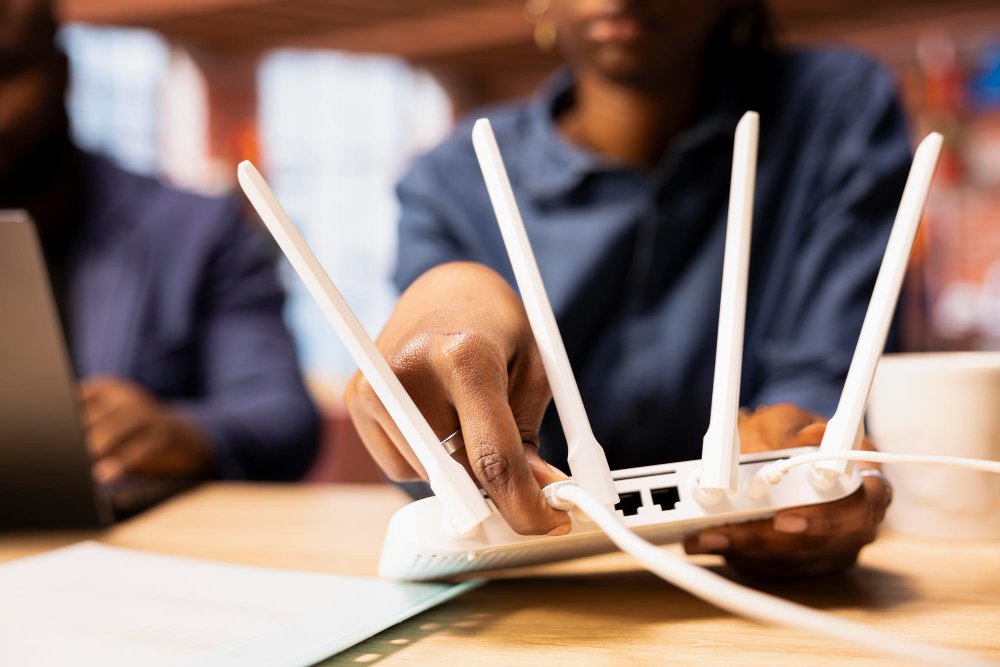
What you can do: Start by moving the router to a central, elevated location if it’s hidden in a cabinet, tucked into a corner, or sitting on the floor. If the room is still difficult to reach, adding a properly placed wireless access point will provide much more reliable coverage than relying on a basic plug-in extender.
Devices Randomly Disconnect
A phone drops off Wi-Fi 6/7, a laptop reconnects a few seconds later, or a tablet suddenly loses its signal. These problems often happen due to wireless interference, an overloaded router, or too many devices sharing the same connection.
Try this: Check how many devices are connected to your router. A basic home router can struggle when dozens of phones, TVs, cameras, and smart devices compete for the same wireless network.
If possible, connect high-demand devices to the 5 GHz band and watch whether the problem improves. If the issue happens around the same time every day, interference or network congestion is often the real cause.
Streaming Constantly Buffers
Buffering usually means your streaming device isn’t receiving a strong, steady signal, and a simple test can confirm it.
If streaming works smoothly near the router but buffers in another room, the problem is your network reach rather than your internet speed.
A wired Ethernet connection is the most reliable option for smart TVs and streaming devices because it removes Wi-Fi 6/7 from the equation entirely.
If running a cable isn’t practical right away, move the router closer to the area where you stream most often and see if playback improves. That simple test can tell you whether limited coverage is causing the problem.
Security Cameras Lose Connection
A camera that keeps going offline is often sitting right at the edge of your Wi-Fi 6/7 range, strong enough to connect, but not strong enough to stay connected.
Check your camera’s app to see its Wi-Fi 6/7 signal strength, as most systems display this information. If the signal is consistently weak, extending coverage near the camera with a properly placed wireless access point is a much more reliable long-term solution than moving the router across the house.
For homeowners researching security camera installation, this is one of the most overlooked factors, since camera placement alone isn’t enough if the surrounding signal is patchy.
Smart Home Devices Stop Responding
Smart thermostats, doorbells, locks, and lighting controls don’t use much bandwidth, but they do need a dependable connection.
When they stop responding, the device itself usually isn’t the problem. The signal in that part of the house is often too weak or inconsistent for it to stay connected.
Start by checking that your smart home devices are connected to the 2.4 GHz Wi-Fi 6/7 band, which provides better range than the 5 GHz band and is often better suited for devices like smart locks, thermostats, and doorbells.
If several devices in the same area continue to disconnect, the issue is likely reduced coverage rather than the devices themselves. This becomes even more important if your home also includes smart lighting, video doorbells, or an audiovisual setup, since all of these systems depend on a dependable network to function properly.
Simple Network Maintenance Habits That Prevent Bigger Problems
A well-planned network still needs occasional maintenance. Just like changing the batteries in a smoke detector or servicing your heating system, a few simple checks can help prevent small issues from turning into bigger ones.
Here are a few habits worth adding to your routine:
- Keep your router’s firmware up to date. Firmware updates don’t just add new features. They often fix security issues, improve stability, and resolve bugs that can affect performance.
- Review connected devices every few months. Remove phones, tablets, or smart devices you no longer use so they aren’t taking up space on the network unnecessarily.
- Check visible cables and connections. A loose or damaged Ethernet cable can create intermittent problems that are easy to mistake for poor Wi-Fi 6/7.
- Restart networking equipment occasionally. An occasional reboot can clear temporary issues, but if you need to restart the router every few days, there’s usually a bigger problem that needs attention.
- Pay attention when adding new devices. Every new camera, streaming device, or smart appliance increases the demand on your network. If problems begin after adding more technology, the network may need to be adjusted to handle the extra load.
Regular maintenance won’t solve every problem, but it does help your network stay reliable. If these simple checks don’t improve performance, it’s usually a sign that the issue goes beyond routine maintenance.
In those cases, having the network professionally evaluated can uncover gaps, poor equipment placement, or wiring limitations that aren’t obvious during everyday use.
What Your Home Network Should Actually Look Like
You shouldn’t have to think about your network every time you stream a movie, join a video call, or check your security cameras. A properly planned network simply works in the background.
It starts with good planning, not better internet. The layout of your home, the number of connected devices, and where you use them every day all influence how the network should be designed.
Instead of relying on one router to cover the entire house, a well-designed network places wireless access points where they provide the strongest, most consistent performance. That helps eliminate weak spots instead of chasing them with temporary fixes.
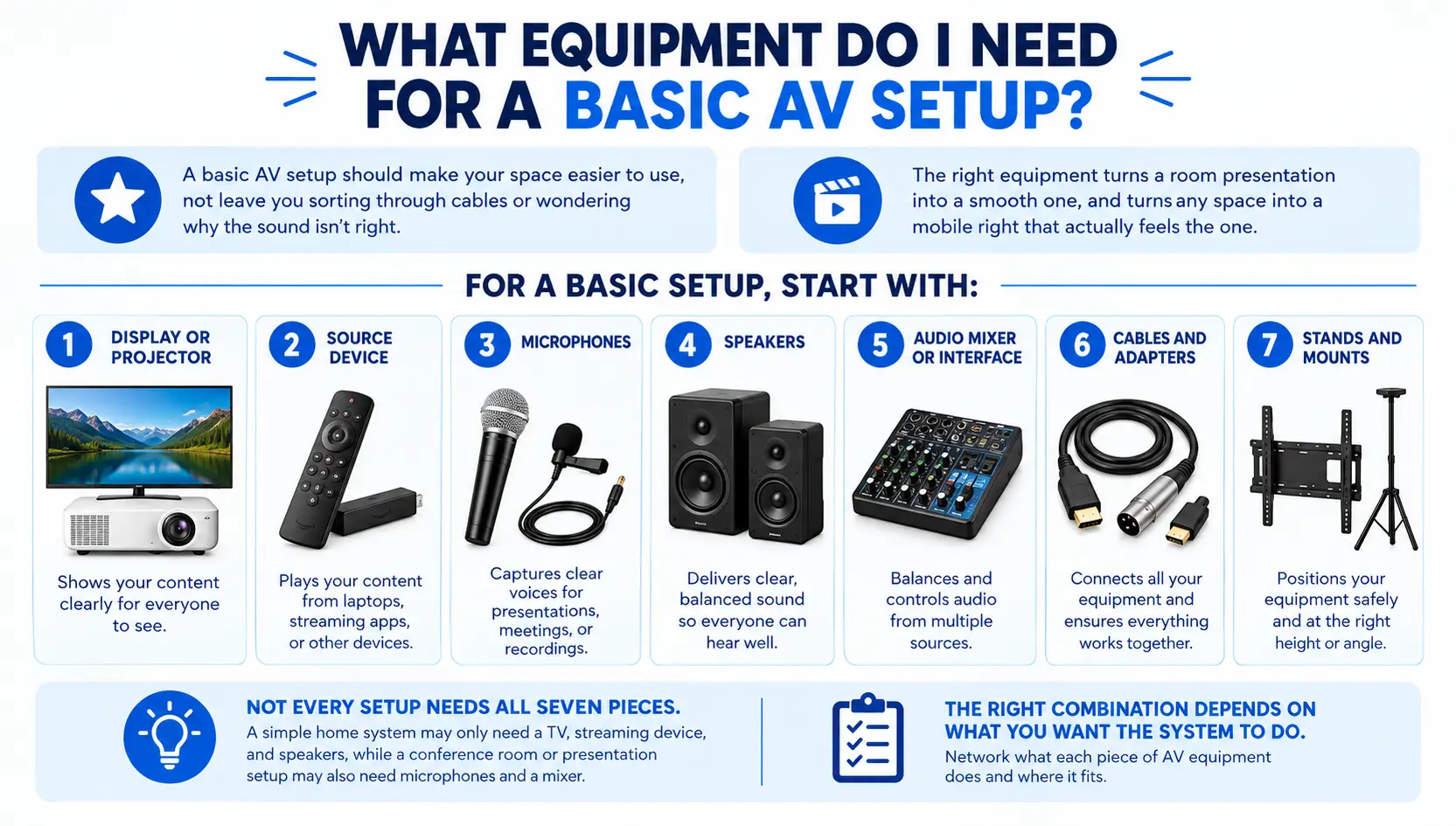
Not every device should rely on Wi-Fi 6/7. Smart TVs, home office computers, gaming consoles, and security camera systems perform more reliably with network cabling installations. This also leaves more wireless capacity for phones, tablets, and other mobile devices.
Adding a new security camera, expanding your audiovisual setup, or connecting more smart devices shouldn’t mean starting over. That’s where proper network infrastructure makes a lasting difference, because a network built around how your home is actually used performs very differently from one that was never planned at all.
It’s Time to Fix the Cause, Not the Symptoms
By now, you’ve seen that slow Wi-Fi 6/7, buffering, and dropped connections usually aren’t random. They’re signs that your network needs better planning, not just faster internet.
If you’re tired of working around the same problems, R&N Technical can help identify what’s causing them and build a network that works the way your Colorado Springs home needs it to.
Get in touch today to schedule a consultation and build a network that’s ready for the way you use your home today, not just the way it was used when it was first set up.
Frequently Asked Questions
Q1. Why is my Wi-Fi 6/7 slow even though I have a fast internet plan?
Your internet plan controls incoming speed, but your network determines how well that speed reaches each device. Poor router placement or weak coverage can make even a fast plan feel slow.
Q2. Why do my devices keep disconnecting from Wi-Fi 6/7?
This usually points to network congestion, wireless interference, or too many devices sharing one connection. Switching high-demand devices to the 5 GHz band often helps.
Q3. Should I use Wi-Fi 6/7 extenders or a wireless access point?
A properly placed wireless access point generally provides more reliable, consistent coverage than a plug-in extender, especially in larger homes or homes with multiple floors.
Q4. How often should I restart my router?
Occasional restarts can clear minor issues, but needing to restart it every few days usually signals a larger problem that needs professional attention.